The guide to use ChatGPT for business is built from 24 months of actually running is inside a real company, not a weekend trial before writing a roundup, customer support drafts, internal research, and a full team rollout, watching it go from a novelty employees used quietly on personal accounts to something IT and leadership had to build an actual policy around. This guide covers exactly how to set up ChatGPT for business, the highest-value use cases by department, what each business pricing tier actually includes, and an honest rating based on real deployment rather than a features page. If you’re deciding whether to roll ChatGPT for Business out to your team, or just want to use it more effectively yourself, this covers what actually matters.
Quick Answer: Using ChatGPT for Business
- Best plan for most small teams: ChatGPT Business ($25–30/user/month)
- Best plan for large orgs with compliance needs: ChatGPT Enterprise (custom, roughly $45–75/user/month)
- Top use cases: customer support drafting, marketing content, sales enablement, financial reporting, HR documentation
- Setup time: Under a week for a small team; 30–60 days for a measured company-wide rollout
- Biggest risk: Employees using personal ChatGPT accounts with company data before any policy exists (“shadow AI”)
What Does “ChatGPT for Business” Actually Mean?
“ChatGPT for business” cover two related things, and it’s worth separating them. The first is the general practice of using ChatGPT, on any plan, renamed from ChatGPT team in 2025 built for companies that need workspace-level data protection, an admin console, and centralized billing rather than employees expensing Individual Plus subscriptions on their own. This guide covers both angles: how to use ChatGPT effectively for business tasks, and how to decide which plan actually fits your team.
My Personal Experience Using ChatGPT for Business
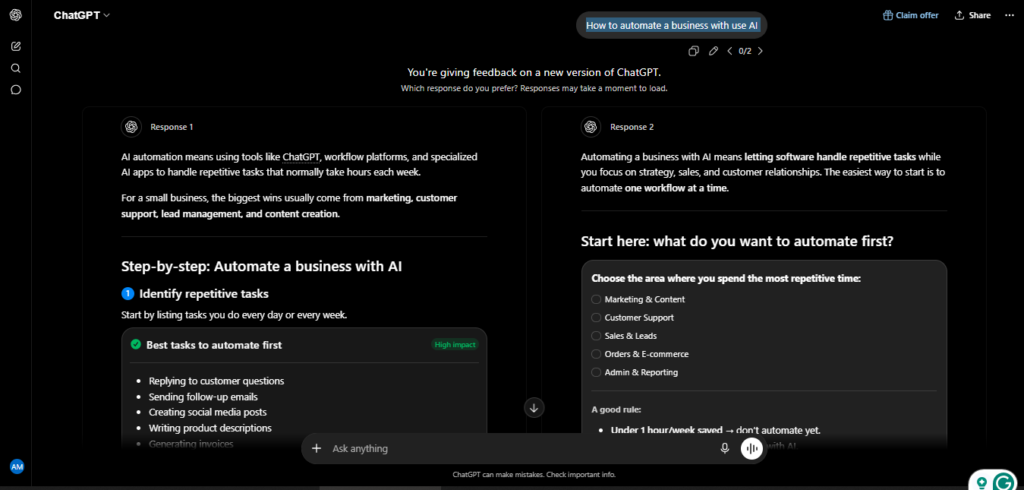
I first brought ChatGPT into a work setting in mid-2024, on a personal Plus account, the way most people still start. It was genuinely useful immediately — drafting client emails, summarizing meeting notes, cleaning up first drafts of proposals — and within a few months it had quietly become the tool three other people on my team were also using on their own accounts, without anyone officially deciding that should happen.
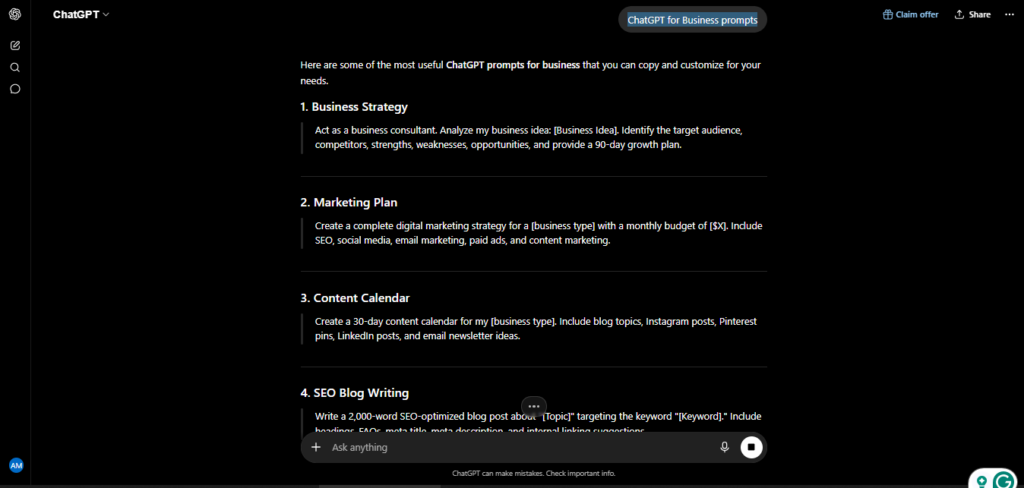
That’s the exact shadow AI problem I mentioned above, and living through it is what convinced me to move everyone onto an actual Business plan rather than let it keep happening informally. The switch was less painful than I expected: admin console setup took an afternoon, and the biggest adjustment was writing an actual usage policy — what data people could paste in, what still needed a human review — rather than any technical hurdle.
Two years in, the honest result is that it saved the most time in places I didn’t originally expect: not flashy content generation, but the boring stuff — first-pass replies to routine customer emails, turning messy call notes into structured summaries, and drafting the first version of internal documents nobody wanted to start from a blank page. It has occasionally produced a confidently wrong number in a report that a teammate caught before it went out, which is exactly why we still require a human check on anything client-facing.
Top Use Cases for ChatGPT for Business, by Department
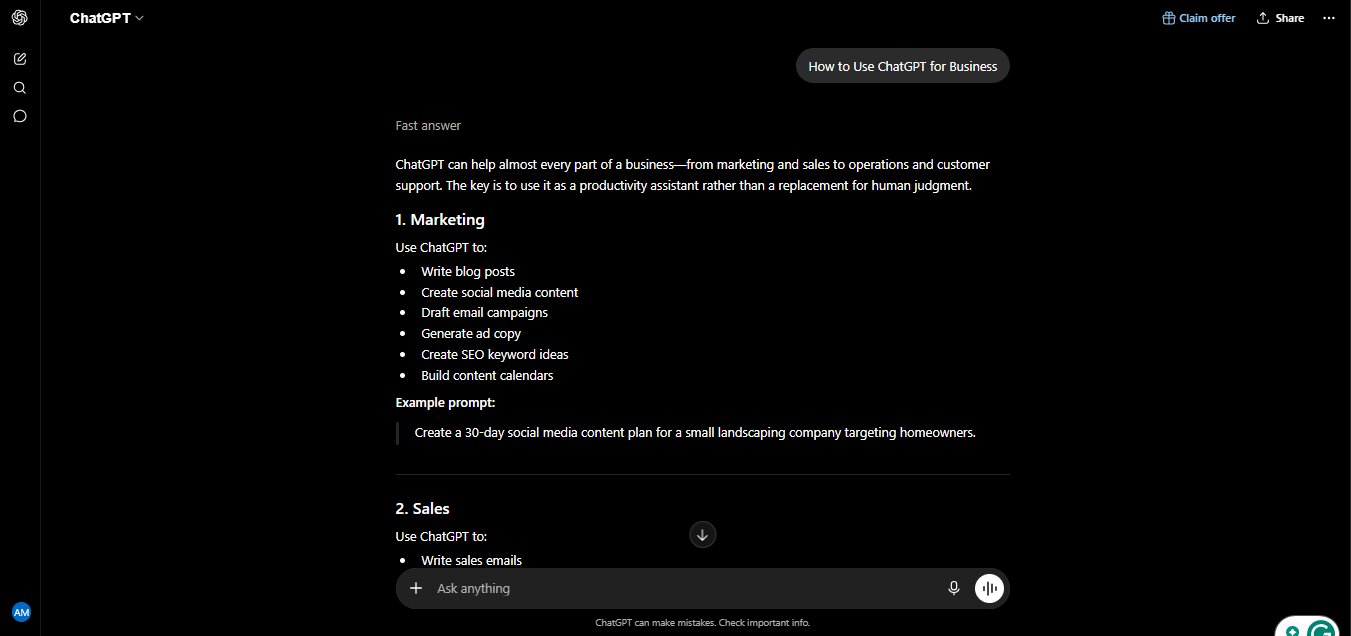
Based on both my own use and how most companies are actually deploying it in 2026, these are the use cases that consistently pay off:
- Marketing & content — Drafting blog posts, social captions, ad copy, and email campaigns; building content calendars; repurposing one piece of content into five formats.
- Customer support — Drafting replies to routine tickets so agents edit instead of compose from scratch; summarizing long support threads before escalation; tagging urgency.
- Sales — Personalizing outbound emails at scale, drafting proposals, turning call notes into structured follow-ups, building competitor comparison one-pagers.
- HR — Writing job descriptions and interview questions, drafting onboarding materials, summarizing policy documents into employee-friendly language.
- Finance — Summarizing reports, drafting variance-analysis narratives, turning raw spreadsheet data into charts and plain-language explanations without writing a query.
- Legal (with caution) — First drafts of standard agreements and contract clause analysis; every AI-generated citation or clause still needs independent verification before anything goes out.
- Data & operations — Uploading datasets and asking plain-language questions instead of writing SQL; generating structured reports from messy inputs.
The common thread: ChatGPT for business works best on high-volume text tasks where a fast, solid first draft beats a slow, perfect one — provided a human still reviews the output before it reaches a customer or regulator.
How to Set Up ChatGPT for Business: Step-by-Step
Rolling ChatGPT out properly takes more than handing out logins. Here’s the sequence that actually works:
- Choose the right plan. Business for most teams under roughly 150 people; Enterprise if you need SSO, data residency, or a HIPAA BAA.
- Buy workspace seats, not personal accounts. Data protection guarantees apply at the workspace level, not on individual Plus subscriptions people expense separately.
- Write a one-page usage policy before rollout. Specify what data can be pasted in, what output always needs human review, and which use cases are off-limits.
- Pick two or three tasks to measure, not the whole company at once — ticket replies, call summaries, or proposal drafts are good starting points. Baseline how long they currently take.
- Run it for 30 days and compare. Track time saved and where people actually used it versus where you assumed they would.
- Expand where there’s evidence, and build Custom GPTs for your highest-volume repeated task once you know what it is.
Skipping the usage policy is the single most common mistake — most teams that regret their rollout skipped straight from “buy licenses” to “hope for the best.”
ChatGPT for Business Pricing: Business vs Enterprise vs Plus
If you’re deciding between plans, here’s what actually separates them:
- Plus ($20/month per person) — Fine for a single freelancer or early testing, but conversations may be used for model training unless each person manually opts out, and there’s no central billing or admin control.
- Business (roughly $25–30/user/month) — The real starting point for teams. Adds a workspace admin console, seat management, SOC 2 Type II coverage, and data protection as the default rather than an opt-out — none of your team’s conversations train the underlying model.
- Enterprise (custom, typically $45–75/user/month) — Adds SSO, SCIM provisioning, data residency options, a HIPAA BAA where needed, and unlimited usage. Worth it mainly once you’re past roughly 150 seats or have specific compliance requirements Business doesn’t cover.
A useful rule of thumb from teams that have gotten this wrong both ways: if you’re under 50 users and don’t need SSO, Business covers the large majority of real needs. Enterprise mostly earns its markup on compliance, not on features you’d notice day to day.
Data Privacy and Security for Business Use
Security is where ChatGPT for business actually diverges most from personal use. On Business and Enterprise tiers, conversations are excluded from model training by default, and OpenAI backs both with SOC 2 Type II certification; Enterprise adds ISO 27001 and related certifications plus optional data residency by region. If your industry is regulated, note that a HIPAA BAA is available on Enterprise (not Business), and that the EU AI Act classifies ChatGPT as general-purpose AI — meaning high-risk uses like hiring or credit decisions require an impact assessment and human oversight. None of this matters, though, if employees keep using personal free-tier accounts for company data. The single biggest real-world risk isn’t the model — it’s the gap between official policy and what people were already doing before anyone wrote one.
Pros and Cons of ChatGPT for Business
What works well:
- Fast, solid first drafts across nearly every department, from marketing to finance
- Data protection is a workspace default on Business and Enterprise, not something each employee has to remember to enable
- Admin console makes seat management and offboarding straightforward
- Scales from a 5-person team to a 5,000-person org on the same underlying product
What to watch for:
- Costs add up fast — a 50-person team on Business alone runs well over $1,000/month before any other AI tool
- Still needs human review, especially in legal, financial, or medical contexts, where confidently wrong details are the most dangerous
- Shadow AI is a real risk if you don’t move people onto managed seats early
- Enterprise pricing is opaque; expect to negotiate rather than see a public number
Most of the disappointment I’ve seen from other teams comes from skipping the policy and training step, not from the product itself.
My Rating: Is ChatGPT for Business Worth It?
Based on 24 months running this inside a real team, here’s my honest scorecard for ChatGPT specifically as a business tool:
| Category | Rating |
| Ease of rollout | 4.4 / 5 |
| Use-case breadth | 4.7 / 5 |
| Data protection & compliance | 4.3 / 5 |
| Value for money (Business tier) | 4.0 / 5 |
| ROI speed | 4.2 / 5 |
| Overall | 4.3 / 5 |
That overall score matches the broader pattern I’ve seen elsewhere: enterprise adoption has grown faster than almost any workplace software in recent memory, but the teams that actually see that ROI are the ones that treated rollout as a real project — policy, measurement, training — rather than just a line item on a credit card.
Frequently Asked Questions
Do I need ChatGPT Business, or is Plus enough? Plus works for a single person testing things out. The moment more than one employee is using it for company data, Business is worth the jump — mainly for the default data protection and admin controls, not extra model capability.
Is ChatGPT for Business actually secure? On Business and Enterprise tiers, yes, with SOC 2 Type II certification and training-data exclusion by default. The real risk isn’t the platform’s security — it’s employees using personal free accounts for company data before a policy exists.
How long does it take to see ROI from ChatGPT for Business? Most teams see time savings within the first 30 days on high-volume text tasks like support replies or proposal drafts, provided you measure specific tasks rather than rolling it out and hoping.
Can ChatGPT replace employees in marketing, support, or HR? No, not for judgment-heavy work. It replaces the blank page and repetitive drafting, but tone, escalation decisions, and anything client-facing still need a human reviewing the output.
What’s the biggest mistake companies make with ChatGPT for business? Buying licenses without writing a usage policy first. Teams that skip that step end up with inconsistent results and, often, sensitive data pasted somewhere it shouldn’t be.
Final Verdict
After 24 months of using ChatGPT for business — first informally, then as an actual managed rollout — my honest conclusion is that it earns its cost for almost any team doing regular writing, support, or analysis work, provided you treat the rollout like a real project. The technology genuinely works; most of the disappointing deployments I’ve seen or heard about failed on policy and training, not on the model. Start with Business, pick two or three tasks worth measuring, and expand from actual evidence rather than guesswork. That’s the difference between ChatGPT for business becoming a genuine part of how your team works, and it quietly becoming shelfware with a monthly invoice attached.
Pricing, features, and figures below reflect ChatGPT’s business plans as of mid-2026. OpenAI updates these regularly, so confirm current details at chatgpt.com/business before purchasing seats.
AI Tool Spots is a technology-focused platform dedicated to sharing the latest updates in Artificial Intelligence, software tools, automation, SEO, and digital innovation. We publish informative guides, honest reviews, tech tutorials, and valuable resources to help bloggers, entrepreneurs, marketers, and tech enthusiasts stay ahead in the digital world. Learn more at aitoolspots.com.