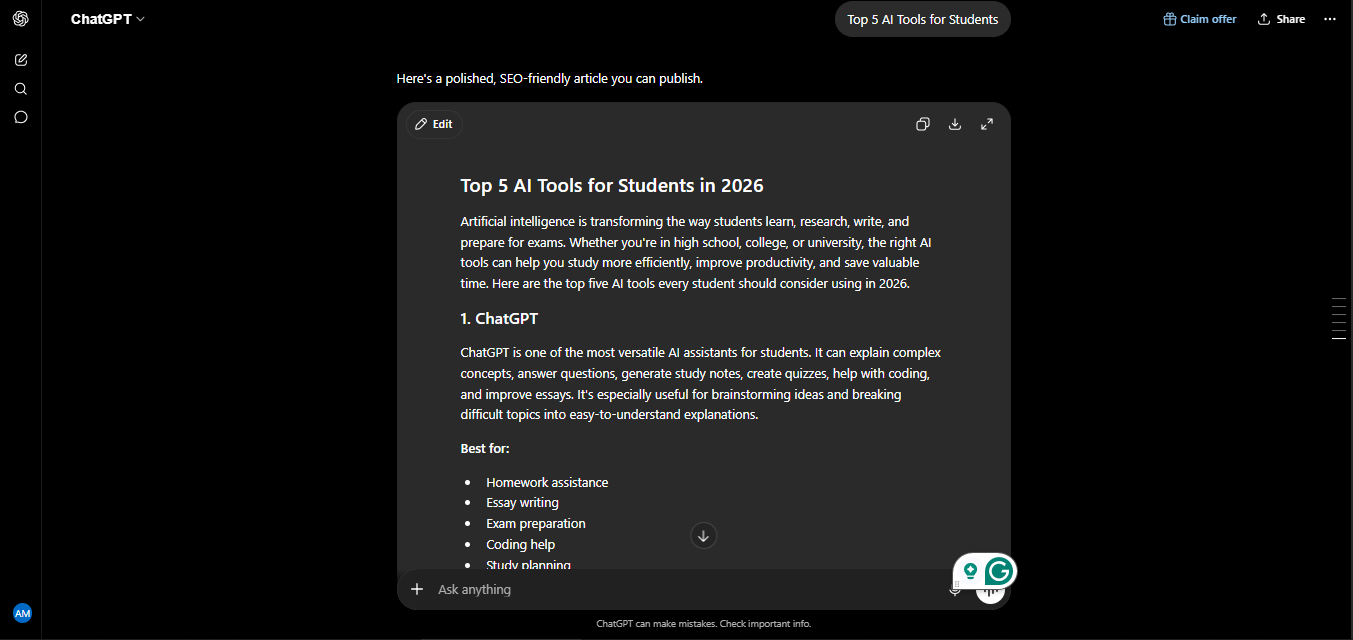
The right AI tools for students can genuinely change how you learn-not by doing the work for you, but by making the actual learning process faster and stickier. I tested five of the most talked-about AI study tools for the last 7 months, deliberately using them the way a student would: picking up a subject from scratch, organizing dense reading material, preparing structured study sessions, and testing myself on what actually stuck afterward.
This isn’t a list copied from a software directory. Every tool below was used on real learning tasks over seven months, and I’ll tell you honestly which ones genuinely helped me retain information faster, which ones were mostly convenient, and which one is the single most important 2026 update most other guides still haven’t caught up on.
My Personal Experience: 7 Months of Testing These Tools
I want to be upfront about how I approached this, because it shapes everything below. Rather than just clicking around each tool for an afternoon, I spent seven using them on genuine learning tasks-working through a new subject area I had no background in, organizing scattered notes into something usable before a deadline, and deliberately testing myself afterward to see what had actually stuck versus what just felt like it had.
The first month was mostly spent with ChatGPT, which is where most people start. My early sessions were exactly what you’d expect — asking it to explain a confusing concept, and getting a clean, direct answer back. That changed noticeably once I switched on Study Mode. Instead of handing me the answer, it started asking me questions first, nudging me toward figuring things out myself. It felt slower in the moment, but a week later, I noticed I actually remembered the material without needing to look it up again — which was not true of the plain-answer approach.
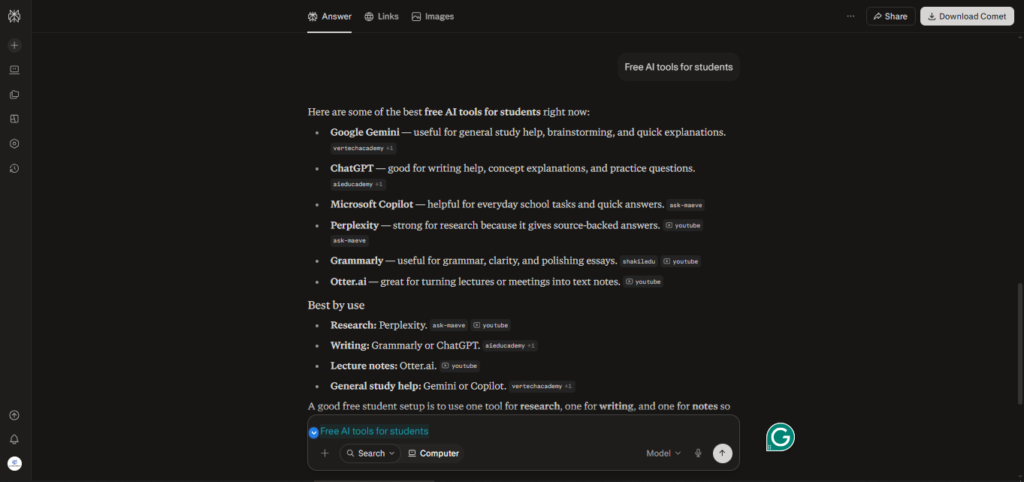
By month three, I added Perplexity specifically for research-heavy tasks — pulling together sources on a topic and needing to know exactly where each claim came from. This became the tool I trusted most for anything I planned to cite, because every claim linked back to a verifiable source instead of asking me to take it on faith.
Around month four, I started feeding my own reading material — PDFs, lecture-style notes, long articles — into NotebookLM, and this genuinely surprised me. Instead of general knowledge, it answered strictly from what I’d uploaded, which meant far fewer confidently wrong answers than I’d gotten used to from general-purpose chatbots.
By months five and six, my workflow had settled: Notion AI for organizing everything into a coherent study plan, and Quizlet for turning my notes into flashcards I actually reviewed daily rather than just once before a test. The compounding effect of daily spaced review, even just 10 minutes a day, was the single biggest factor in how much I actually retained by month seven — more than any individual AI feature.
Why “Smarter,” Not Just “Faster”
Before the list, a quick but important distinction. Most AI study tool guides focus on speed — how fast you can get an answer. Genuine learning research points to something different: active recall (testing yourself instead of re-reading) and spaced repetition (reviewing material at increasing intervals) are consistently the techniques most associated with actually retaining information long-term. The tools that made the biggest difference in my own seven months weren’t the ones that answered fastest — they were the ones that made me do a bit of the thinking myself.
With that in mind, here are the five tools that earned a permanent place in my study workflow.
1. ChatGPT (with Study Mode) — Best All-Around AI Tutor
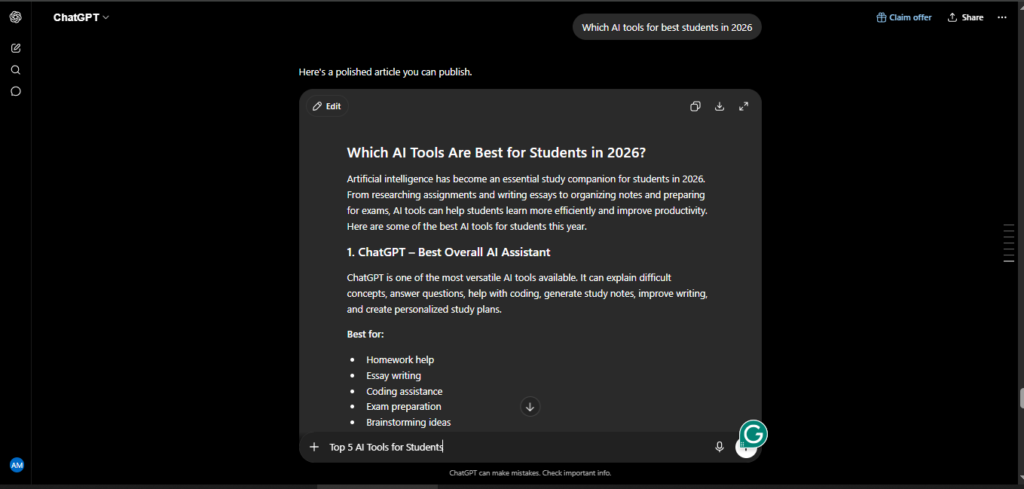
ChatGPT remains the most versatile starting point for any student, and the single biggest 2026 update changes how it should actually be used. Study Mode — now free for all logged-in users — turns ChatGPT from an answer machine into something closer to an actual tutor. Instead of solving a problem for you, it asks clarifying questions, gives hints instead of solutions, generates practice problems at your level, and checks your understanding before moving forward.
In my testing, this was the clearest before-and-after difference of any tool on this list. Plain ChatGPT gave me fast, accurate explanations that I forgot within days. Study Mode took longer per session but left me able to explain the concept back without notes a week later — which is really the entire point of studying in the first place.
Pricing: Free tier with Study Mode included; Plus at $20/month for higher usage limits and advanced models.
Best For: Concept explanation, Socratic-style tutoring, practice question generation, and general-purpose help across any subject.
2. Perplexity — Best for Cited Research
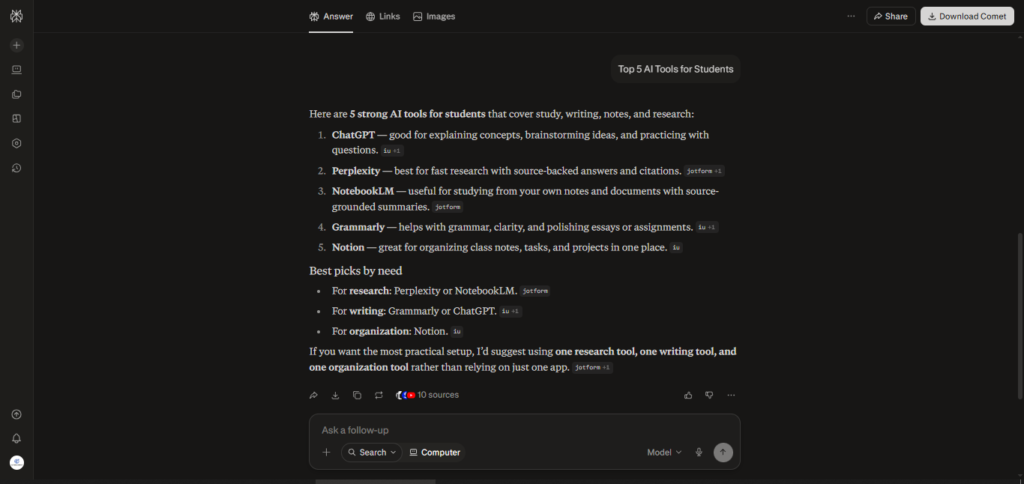
For any assignment that requires sourcing — research papers, literature reviews, essays needing citations — Perplexity solves the exact problem that makes AI risky for academic work in the first place: unverifiable claims. Every answer comes with clickable citations linking directly to the source, so you can verify information before it ends up in your paper.
Over seven months, this became my default whenever accuracy mattered more than speed. The Academic Focus mode narrows results to scholarly and peer-reviewed sources specifically, which meaningfully cut down the time I used to spend manually filtering search results for credibility.
Pricing: Free tier available; verified students can access a free year of Perplexity Pro through its education program.
Best For: Research papers, literature reviews, and any assignment requiring verifiable, citable sources.
3. NotebookLM — Best for Turning Your Own Notes Into Study Material
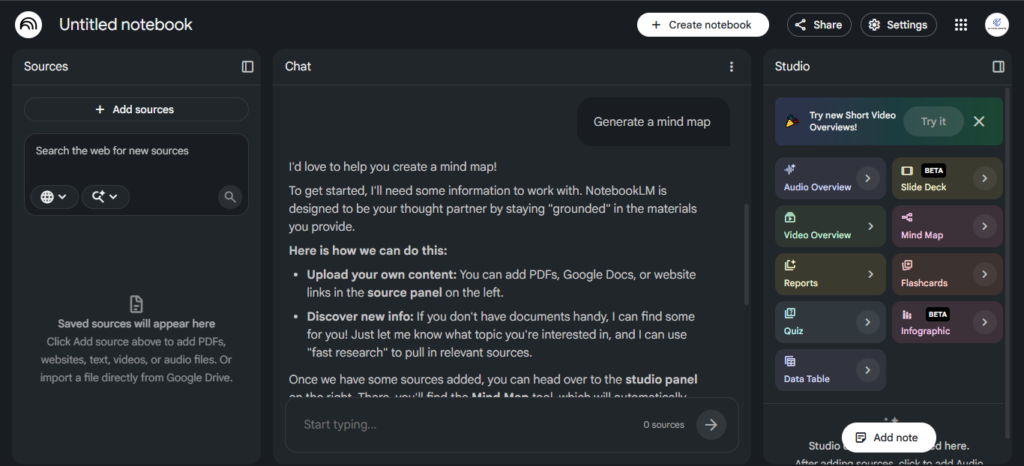
NotebookLM works differently from every other tool on this list, and that difference is exactly why it earned its spot. Instead of drawing on general internet knowledge, you upload your own sources — lecture notes, textbook chapters, readings — and it answers strictly based on what you’ve given it, with citations pointing back to the specific document and section.
This solved the single biggest trust problem I had with general AI tools: confidently wrong answers on topics outside their training data or specific to your exact course material. In my testing, feeding it a dense set of readings and asking it to generate a structured summary or a set of practice questions produced material that was actually grounded in what I’d need to know for that specific class — not generic information that happened to be adjacent to the topic.
Pricing: Free, with a generous source upload limit.
Best For: Turning your own lecture notes, readings, and course materials into accurate, source-grounded study guides.
4. Notion AI — Best for Organizing Your Study Life
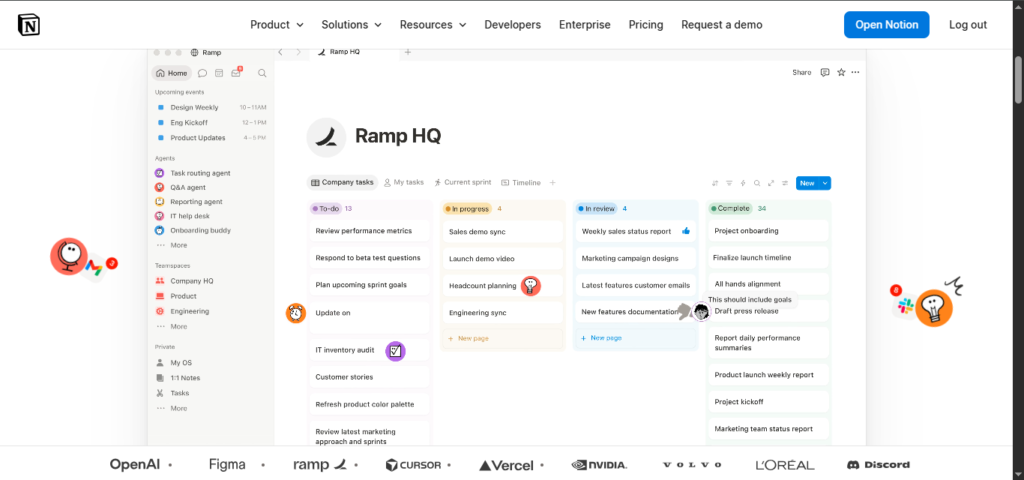
Studying isn’t just about understanding material — it’s about organizing an overwhelming amount of it across multiple classes, deadlines, and reading lists. Notion AI became the backbone of my actual study planning over the seven-month period, not because it explains concepts particularly well, but because it kept everything else from falling apart.
I used it to turn scattered notes into structured outlines, summarize long readings into digestible sections, and maintain a running study calendar that stayed updated without manual rebuilding every week. For anyone juggling multiple courses, the organizational layer matters as much as the explanation layer — and this is where Notion AI does its best work.
Pricing: Free and Plus tiers are limited for AI features; full AI access requires the Business plan at $20/user/month, though education-specific access may be available through some institutions.
Best For: Organizing notes, building study schedules, and keeping multi-course workloads structured.
5. Quizlet (AI) — Best for Memorization and Active Recall
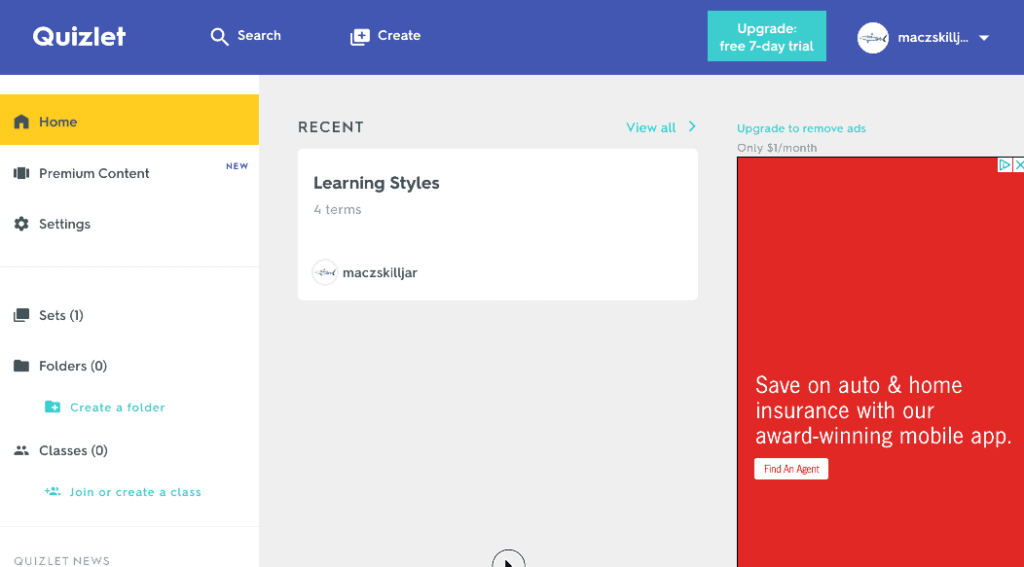
For anything memorization-heavy — vocabulary, historical dates, scientific terms, formulas — Quizlet’s AI features turn raw notes into flashcards in under a minute, and its spaced repetition system is built directly around the cognitive science of active recall.
This was the tool that made the most measurable difference in my own retention by month seven. Reviewing flashcards for ten minutes daily, rather than cramming once before a deadline, produced noticeably better recall days later — a pattern that matches decades of learning science research, not just my own anecdotal experience.
Pricing: Free plan with substantial flashcard access; Plus around $2.99/month (billed annually) removes ads and limits.
Best For: Vocabulary, definitions, dates, formulas, and any subject that depends heavily on memorization.
Quick Pricing Comparison
| Tool | Free Tier | Paid Plan | Student Offer |
| ChatGPT | Yes (Study Mode included) | $20/month (Plus) | None specific to students |
| Perplexity | Yes | $20/month (Pro) | Free year of Pro for verified students |
| NotebookLM | Yes (generous limits) | N/A | Fully free |
| Notion AI | Limited AI access | $20/user/month (Business) | Some institutional access available |
| Quizlet | Yes | ~$2.99/month (annual) | N/A |
Building Your Own AI Study Stack
Based on seven months of actually using these together rather than in isolation, here’s the combination that worked best for me:
Explain → Research → Synthesize → Organize → Memorize. Use ChatGPT’s Study Mode when you’re stuck on a concept and need to actually understand it, not just get an answer. Use Perplexity when you need sourced, citable information for an assignment. Use NotebookLM once you have your own course materials and want study guides grounded specifically in what your class actually covers. Use Notion AI to keep the resulting mess of notes and deadlines organized. And use Quizlet for the daily, low-effort review that actually locks material into memory.
You don’t need all five from day one. If you’re starting out, ChatGPT’s free Study Mode plus Quizlet’s free flashcards alone will meaningfully improve how you study, at zero cost.
A Note on Using AI Responsibly as a Student
This matters enough to say directly: every tool on this list is genuinely useful for learning, and every one of them can also be misused to skip the learning entirely. AI-generated answers can be factually wrong, and submitting AI-written work as your own can violate your institution’s academic integrity policy — always check your school’s specific rules before using any of these tools for graded work.
The pattern that worked for me over seven months was simple: use AI to explain, quiz, and organize — not to generate what you ultimately submit. The tools that ask you questions instead of just giving answers, like Study Mode and Quizlet’s active recall, consistently produced better actual understanding than the ones that just handed over a finished response.
My Ratings
| Tool | Rating |
| ChatGPT (Study Mode) | 4.7/5 |
| Perplexity | 4.6/5 |
| NotebookLM | 4.5/5 |
| Notion AI | 4.3/5 |
| Quizlet | 4.4/5 |
| Overall Category Rating | 4.5/5 |
Final Verdict
After seven months of genuinely using these tools to learn, not just review them, my honest conclusion is that the “smarter” in AI-assisted studying comes from restraint, not raw capability. The tools that made me pause, think, and answer for myself before revealing the solution delivered noticeably better retention than the ones that simply handed over the fastest possible answer.
If you’re a student building a study routine in 2026, start with ChatGPT’s free Study Mode and Quizlet’s flashcards — both free, both genuinely effective. Add Perplexity when research and citations matter, NotebookLM once you have your own course materials to work from, and Notion AI once you need to keep it all organized across a full course load.
Frequently Asked Questions
What are the best free AI tools for students in 2026?
ChatGPT’s Study Mode, NotebookLM, and Quizlet’s free tier all offer genuinely useful functionality at no cost. Perplexity also offers a free year of its Pro plan for verified students.
Is ChatGPT Study Mode really free?
Yes. As of 2026, Study Mode is available free to all logged-in ChatGPT users, including guiding questions, hints instead of direct answers, and practice problem generation across many subjects.
Which AI tool is best for research papers?
Perplexity is the strongest choice for research requiring citations, since every answer links directly to a verifiable source. Its Academic Focus mode narrows results specifically to scholarly and peer-reviewed content.
Can AI tools help with memorization?
Yes. Quizlet’s AI features generate flashcards from your notes automatically and use spaced repetition, a technique strongly supported by learning science research for improving long-term retention.
Is it cheating to use AI tools for studying?
Using AI to explain concepts, quiz yourself, and organize material is generally considered legitimate studying. Submitting AI-generated content as your own original work typically violates academic integrity policies — always check your specific institution’s guidelines.
What is NotebookLM used for?
NotebookLM lets you upload your own course materials — notes, readings, PDFs — and generates study guides and answers strictly grounded in those sources, reducing the risk of receiving generic or inaccurate information.
AI Tool Spots is a technology-focused platform dedicated to sharing the latest updates in Artificial Intelligence, software tools, automation, SEO, and digital innovation. We publish informative guides, honest reviews, tech tutorials, and valuable resources to help bloggers, entrepreneurs, marketers, and tech enthusiasts stay ahead in the digital world. Learn more at aitoolspots.com.