AI tools are evolving faster than almost any other category of software right now. Over the last 24 months, I’ve tested and used dozens of AI tools across writing, coding, image generation, video, and everyday productivity, some earned a permanent spot in my workflow, others got uninstalled within a week. This guide narrows that experience down to the AI tools that are genuinely worth your time and money in 2026, organized by what you’re actually trying to do rather than by hype. Whether you need an AI chatbot for research, an AI coding assistant for your next project, or an AI video generator for content, here’s what’s working right now, and what’s worth skipping.
Quick Answer: Best AI Tools by Category
- Best overall AI chatbot: Claude (writing, coding, reasoning) or ChatGPT (all-around versatility)
- Best AI coding tool: Claude Code (autonomous tasks) or Cursor (daily editing)
- Best AI image generator: Midjourney (artistic work) or Ideogram (text and logos)
- Best AI video generator: Google Veo 3.1 or Runway Gen-4.5
- Best AI writing tool: Jasper (marketing teams) or Grammarly (everyday editing)
- Best free AI tools: Gemini and Claude’s free tiers
Best AI Chatbots and Assistants in 2026
Chatbots are still where most people first encounter AI tools, and the gap between the top options has never been smaller. Three platforms do the heavy lifting for most users:
Claude (Anthropic) has become my daily driver for writing and coding. The current lineup runs from Claude Opus 4.8 (the flagship) down through sonnet 5 (fast and balanced) to haiku 4.5 (lightweight tasks). What stands out after months of daily use is how little “AI-sounding” filler it produces — it follows detailed instructions across long documents without drifting off track, and it’s more willing to say “I’m not sure” than to guess confidently. There’s a usable free tier; Pro runs $20/month, and Max plans scale up to $100–$200/month for heavy use.
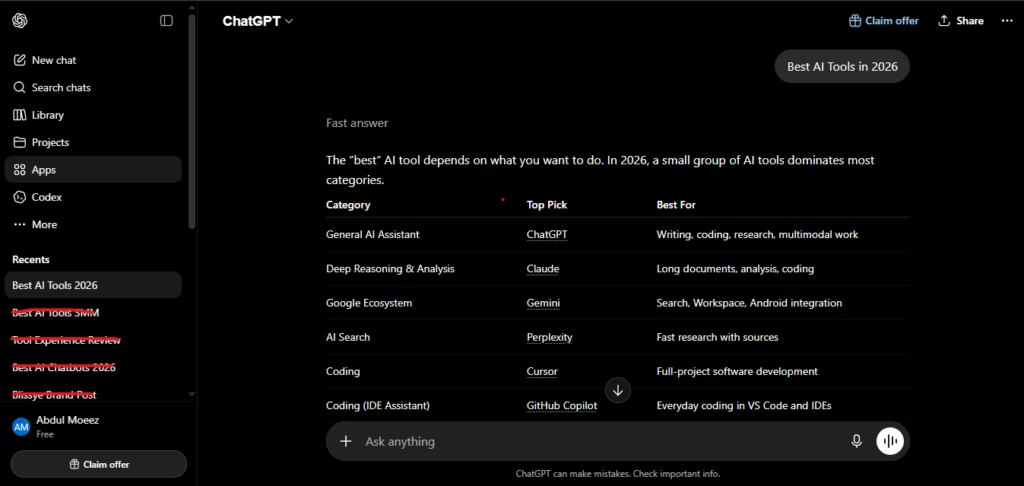
ChatGPT (OpenAI) is still the most-used AI tool on the planet, and for good reason. GPT-5.5 is now the default model, and it’s a genuinely strong all-rounder — brainstorming, built-in image generation, voice mode, and the largest plugin ecosystem of any assistant. ChatGPT Plus is $20/month.
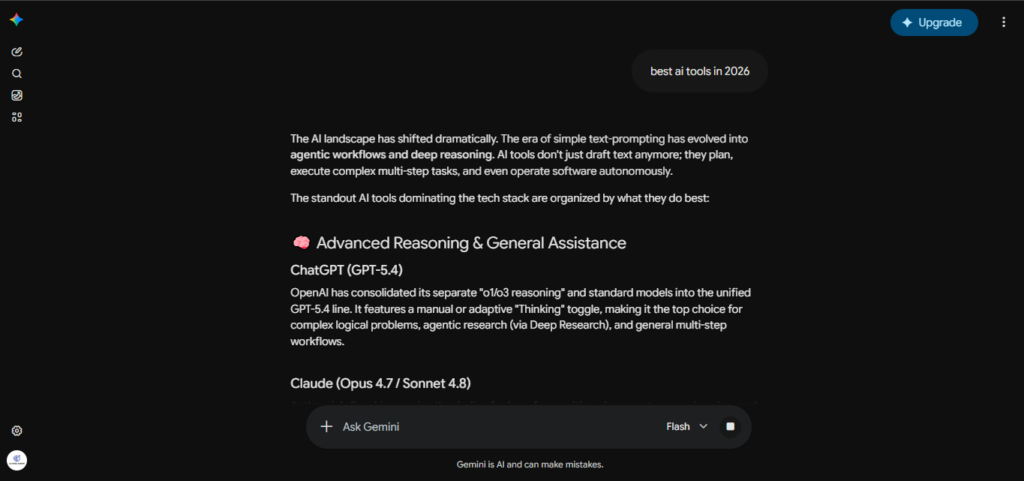
Gemini (Google) is the obvious pick if you already live inside Gmail, Docs, and Sheets. Gemini 3.1 Pro has a huge context window and the strongest multimodal understanding of the three, plus real-time Google Search grounding that’s hard to beat for anything current-events related. The free tier is generous; Gemini Advanced is $20/month.
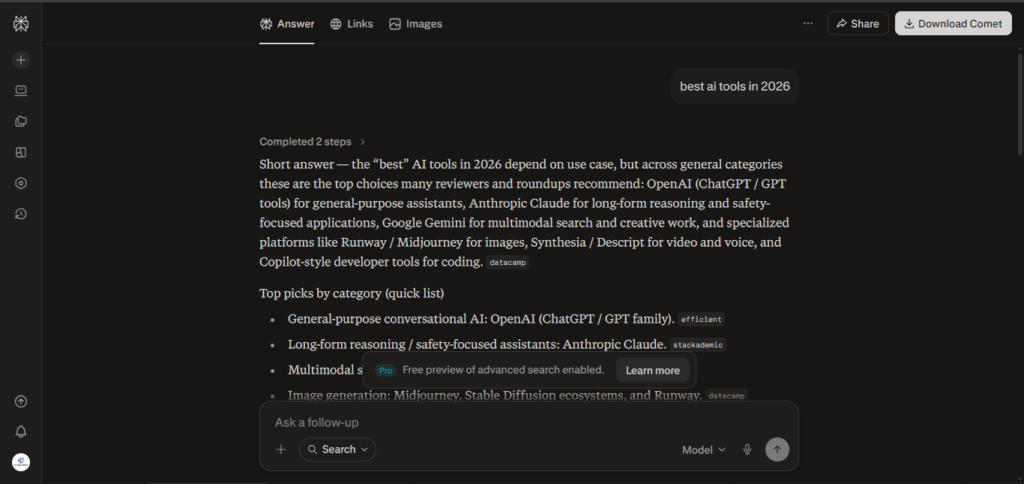
Perplexity isn’t a general chatbot so much as an AI research tool — every answer comes with cited sources, which makes it the one I reach for when accuracy matters more than personality.
Best AI Coding Tools in 2026
AI coding tools went from “autocomplete with good intentions” to genuinely autonomous agents in the span of about a year. These are the ones developers are actually paying for in 2026:
Claude Code is a terminal-based coding agent that plans a task, writes the code, runs it, and fixes its own mistakes before asking for a review. It currently leads the SWE-bench Verified benchmark for resolving real GitHub issues, and in my own use it handles multi-file refactors more coherently than anything else I’ve tried. It’s included with Claude Pro ($20/month) and Max ($100–$200/month) plans.
Cursor is a full VS Code fork with AI built into every layer — Tab-style completions, multi-file Composer edits, and full codebase context. It’s the tool most developers open first for everyday work. Pro is $20/month.
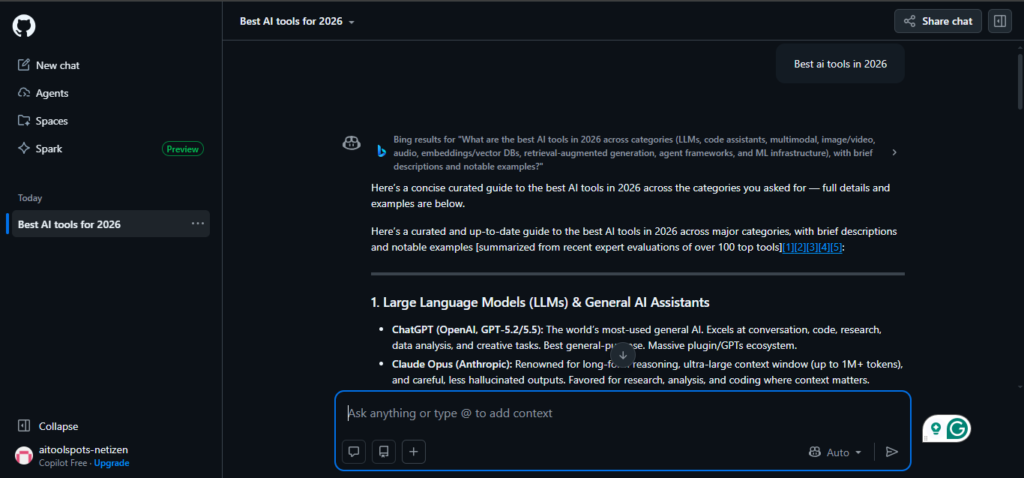
GitHub Copilot remains the most widely adopted AI coding tool, mostly because it works inside almost every IDE — VS Code, JetBrains, Neovim, Visual Studio, and more. There’s a free tier; Pro is $10/month.
Worth a mention if budget is tight: Windsurf is a solid, cheaper AI-native IDE (around $15/month) that borrows a lot of what makes Cursor good without the premium price tag.
The pattern I keep landing on: pair an in-editor tool (Cursor or Copilot) for quick edits with a terminal agent (Claude Code) for the heavy lifting. Most professional developers now run at least two AI tools side by side rather than betting on one.
Best AI Writing and Content Tools in 2026
Jasper is built specifically for marketing teams that need a consistent brand voice across dozens of writers. Its templates and Surfer SEO integration are genuinely useful for content at scale, but it’s priced accordingly — Creator starts around $39/month and Pro around $59–69/month, with no permanent free tier.
Copy.ai is a lighter, cheaper alternative that’s evolved into more of a go-to-market automation platform, connecting AI copy generation to CRM and outreach workflows. It has one of the more generous free tiers in this category.
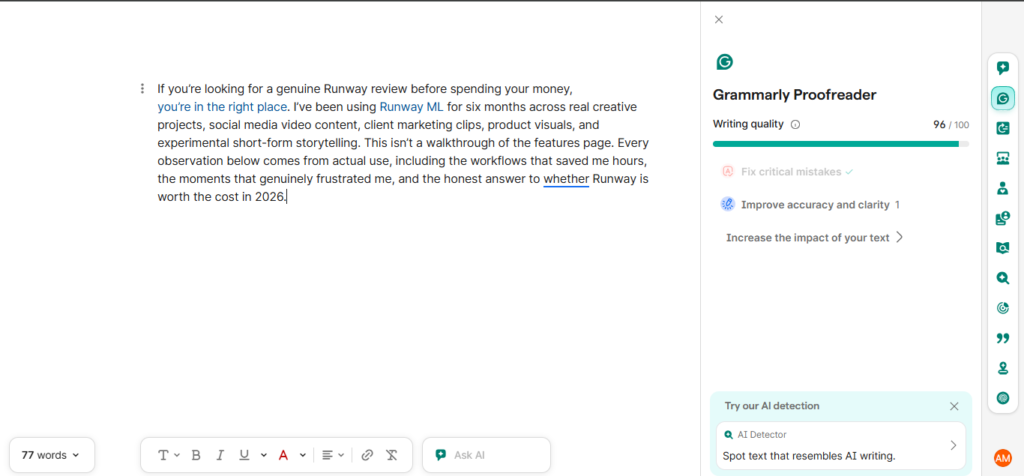
Grammarly isn’t a content generator so much as an editor that lives everywhere you already write. For catching tone, clarity, and grammar issues in real time, it’s still the standard. The free tier covers the basics; Pro runs about $12/month billed annually.
Notion AI is the quiet workhorse if you already live in Notion — summarizing meeting notes, cleaning up messy drafts, and organizing scattered research. It’s one of the most-used AI tools in a lot of workflows, mine included, precisely because you never have to leave the app to use it.
Best AI Image Generators in 2026
Midjourney V7 is still the aesthetic leader. The same prompt that produces a decent stock photo elsewhere produces something closer to a finished poster in Midjourney. Its weak spot is legible text — anything with words in the image still trips it up. Plans run $10–$60/month, with no free tier.
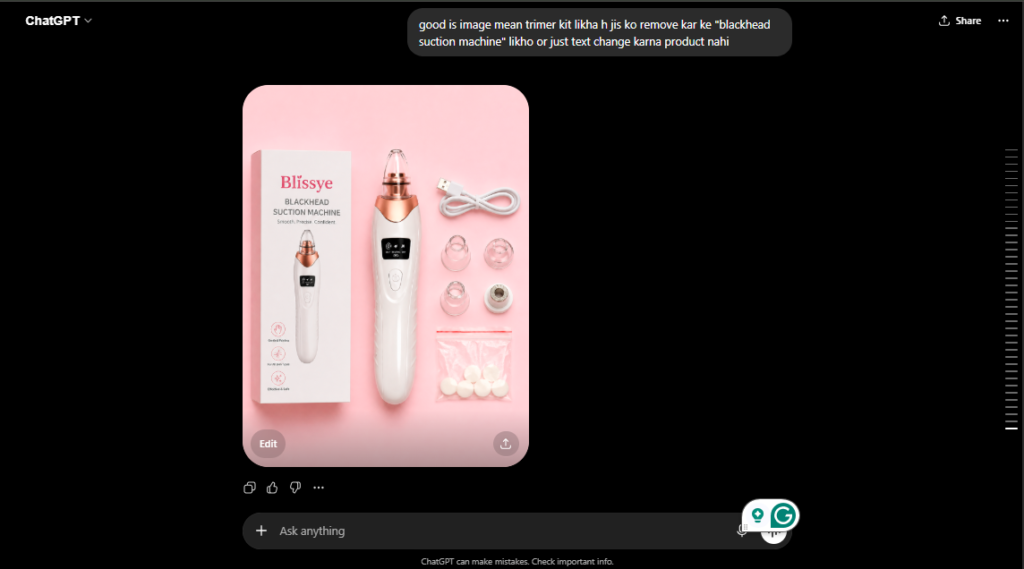
GPT Image (via ChatGPT) is the best option for following complex, specific instructions and for conversational editing — “make the background warmer, move the logo left” actually works. It’s included with ChatGPT Plus.
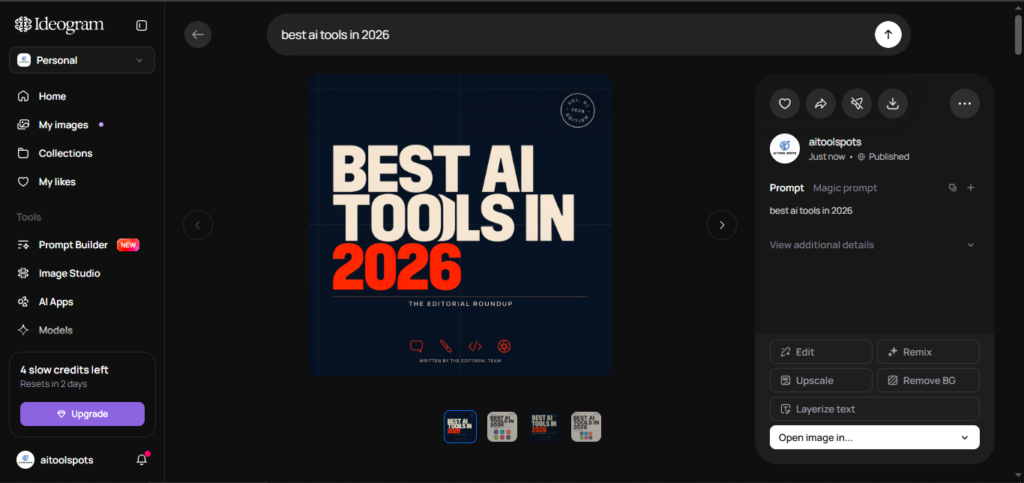
Ideogram is the specialist for typography. Logos, posters, and menu boards with actual readable text are where every other tool on this list falls apart, and where Ideogram tends to get it right on the first try. It has a generous free tier.
Flux (Black Forest Labs) is the open-weight option, and the one I’d point developers toward. Strong photorealism, cheap per-image API pricing, and self-hostable if you want full control over your pipeline.
Best AI Video Generators in 2026
Video is the category that changed the most this past year — including one major casualty. Sora, OpenAI’s video model, was the tool everyone talked about through 2024 and 2025, but OpenAI discontinued the Sora web and app in April 2026, with the API scheduled to shut down in September 2026. If you’re starting a new project, don’t build around it.
Google Veo 3.1 is the strongest all-around option now, with native synchronized audio and dialogue generated alongside the video itself rather than bolted on afterward. It’s available through the Gemini app or Vertex AI, starting around $20/month.
Runway Gen-4.5 is the right call when you need real creative control — motion brush, camera movement, and character-consistency tools make it the go-to for agencies and brand work. Plans start around $12–15/month.
Kling 3.0 is the value pick, with strong physics and motion realism at roughly $0.10 per second of generated video, plus a usable free tier for testing before you commit.
If what you actually need is talking-head content — training videos, product explainers, localized marketing in multiple languages — skip the cinematic tools entirely and look at Synthesia or HeyGen instead. Both specialize in AI avatars with strong lip-sync and are a completely different (and often easier) workflow than prompting for cinematic scenes.
Best AI Productivity and Automation Tools in 2026
Beyond chatbots and generators, the AI tools that quietly save the most time are the ones running in the background:
- Zapier and Lindy connect your apps and let AI agents handle repetitive multi-step workflows — following up with leads, sorting inbox attachments, logging CRM data automatically.
- Granola sits in the background during calls and turns them into structured, searchable notes without you touching a keyboard.
- Notion AI and Perplexity (both covered above) are worth repeating here — research and organization are where AI tools compound the most value over time, rather than any single flashy output.
The honest lesson after two years of testing this category: the biggest productivity gains rarely come from the flashiest chatbot. They come from the boring automation running quietly in the background.
How to Choose the Right AI Tool for Your Needs
With this many AI tools competing for your subscription budget, a few questions cut through the noise fast:
- What’s the actual task? Writing, coding, images, video, and research each have a different category leader — there’s no single “best AI tool” for everything.
- Do you need to test before you commit? Gemini, Claude, ChatGPT, Copy.ai, Grammarly, and Ideogram all offer usable free versions.
- How much does accuracy matter? For anything factual, Perplexity’s cited sources or Gemini’s search grounding will beat a general chatbot working from memory alone.
- Is this a daily habit or a one-off? Daily tools — a chatbot, a coding assistant — justify a $20/month subscription fast. Occasional tools, like video generation, are often cheaper to pay for per use instead.
Most people end up running two or three AI tools at once rather than relying on one universal tool, and that’s fine. Specialization is the real trend in 2026, not consolidation.
Frequently Asked Questions
What is the best AI tool overall in 2026? There isn’t one universal winner. Claude and ChatGPT are the strongest general-purpose AI tools for most people, but the “best” AI tool always depends on the task — coding, writing, images, and video each have their own category leader.
Are there good free AI tools available? Yes. Claude, ChatGPT, and Gemini all offer capable free tiers, and Ideogram, Copy.ai, and Grammarly all have generous free plans within their specific categories.
Is Sora still worth using in 2026? Not for new projects. OpenAI discontinued the Sora web and app in April 2026 and is winding the API down by September 2026. Google Veo, Runway, and Kling are the safer picks now.
How much should I budget for AI tools each month? A single $20/month chatbot subscription — Claude, ChatGPT, or Gemini — covers most individual needs. Add a coding tool ($10–20/month) or an image or video generator only if you use that category regularly. Most people don’t need five subscriptions running at once.
Do AI tools actually replace human work? Not entirely, in my experience. They remove the blank-page problem and handle repetitive tasks well, but editing, fact-checking, and judgment calls still need a human in the loop, especially for anything published publicly.
Which AI tool should a complete beginner start with? Start with one general chatbot — Claude or ChatGPT’s free tier is the easiest on-ramp — and use it daily for two or three weeks before adding anything else. Most people over-subscribe before they’ve figured out which category of AI tools actually fits how they work, which is the fastest way to end up paying for five tools and using one.
Final Thoughts
After 24 months of testing AI tools across every category on this list, my honest takeaway is that the “best” AI tool is really a stack, not a single app. Pick one strong general-purpose chatbot, add a specialist tool for whatever you do most — coding, images, video, or writing — and resist the urge to subscribe to everything at once. The AI tools landscape in 2026 moves fast enough that today’s leader can look different in six months, but the tools in this guide have earned their place in a real, daily workflow, not just a headline.
AI Tool Spots is a technology-focused platform dedicated to sharing the latest updates in Artificial Intelligence, software tools, automation, SEO, and digital innovation. We publish informative guides, honest reviews, tech tutorials, and valuable resources to help bloggers, entrepreneurs, marketers, and tech enthusiasts stay ahead in the digital world. Learn more at aitoolspots.com.