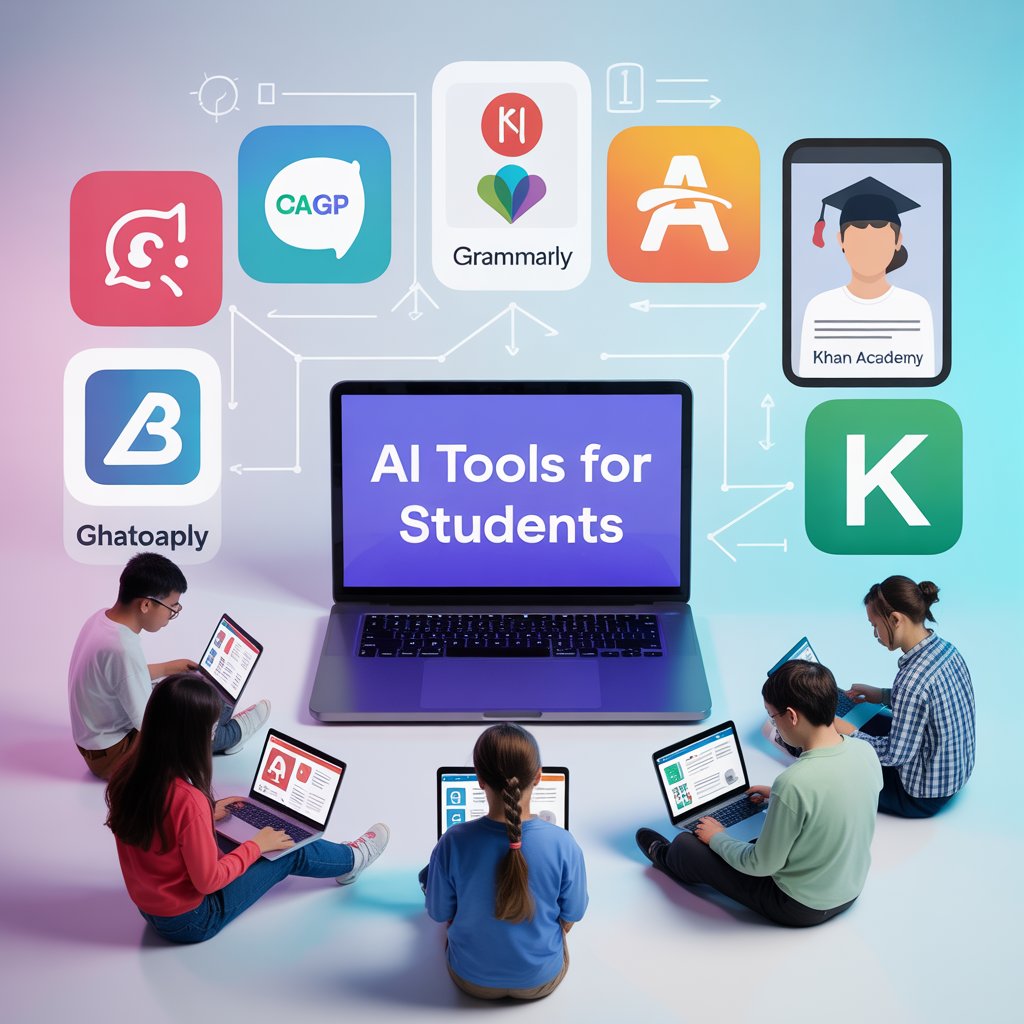
AI is no longer merely a catchphrase. It’s an effective tool that’s changing how students learn, study, and achieve. There is an AI vibe coding tool that can help you save time and improve your performance, whether you’re organizing your notes, composing essays, or getting ready for an exam.
You’ll find the top AI tools for student that genuinely have an impact in this guide. Not a fluff. Just useful resources, tangible advantages, and unambiguous examples to make learning easier rather than more difficult.
Why Students Should Use AI Tools in 2026
In 2026, AI isn’t just helpful, it’s essential for students who want to stay ahead. AI solutions are now designed to make your academic life easier and develop your talents in ways that traditional approaches cannot equal, thanks to sharper algorithms, better customisation, and faster performance.
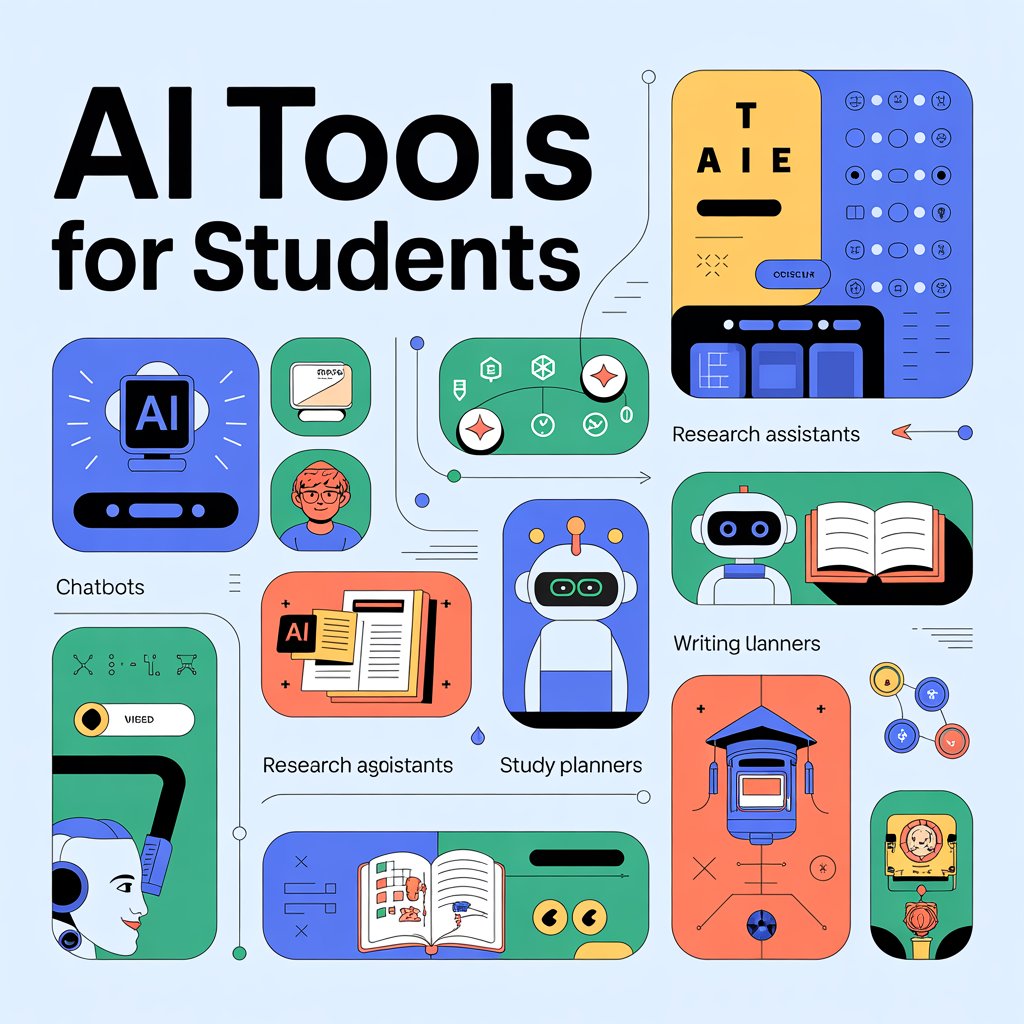
Here’s why students should start using AI tools right now:
- Save time on repetitive tasks like summarizing notes, proofreading essays, and generating citations
- Get personalized feedback tailored to your writing, learning style, and subject needs
- Study smarter, not harder with instant quizzes, flashcards, and study plans based on your material
- Boost productivity by organizing tasks, managing deadlines, and breaking down large projects
- Improve research skills with tools that scan, sort, and summarize complex information in seconds
- Prepare for real-world success with AI-powered resume builders, career planning tools, and job interview prep
Top AI Tools to Transform your Studies
1. ChatGPT
ChatGPT has become a vital resource for students, providing immediate, conversational AI support for everything from coming up with essay ideas to breaking down difficult ideas. The platform’s capacity to adjust to various subjects and learning styles distinguishes it from conventional study aids, and its user-friendly chat interface makes it accessible to users of all skill levels.
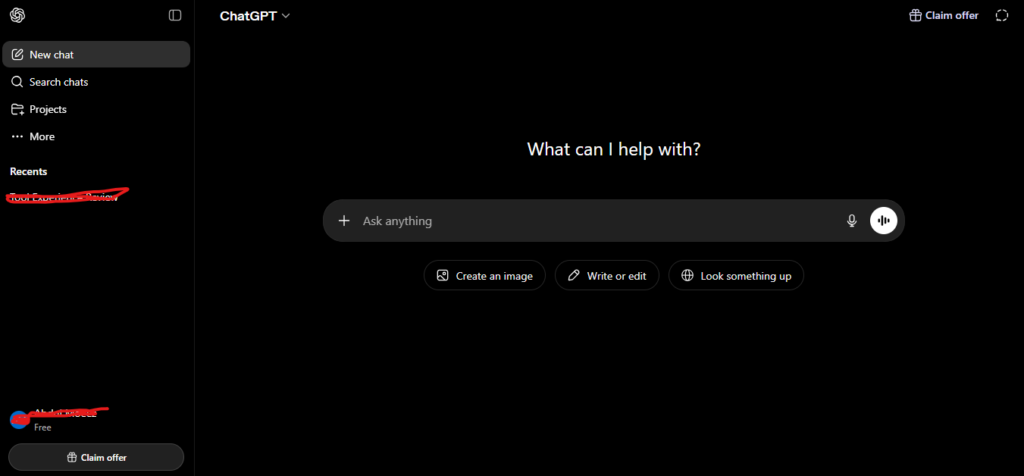
Use case: ChatGPT is a constantly accessible study aid that can assist students in coming up with ideas, writing essays, resolving issues, and comprehending challenging ideas in almost any subject.
Key features
- Conversational interface that responds to natural language questions and requests.
- Cross-subject expertise covering everything from literature analysis to mathematical problem-solving.
- Custom GPT creation allowing students to build specialized AI assistants for specific courses or projects.
Pricing
Free: $0/month – limited messages, uploads, image generation, deep research, memory, and context.
Plus: $20/month – expanded messaging, uploads, image creation, deep research, memory, context, projects, tasks, custom GPTs, limited Sora video generation, Codex agent.
Pro: Full access with pro reasoning, unlimited messages, uploads, picture creation, deep research, memory, context, expanded projects, tasks, custom GPTs, extended Sora video generation, and enhanced Codex agent is available for $200 per month.
Considerations
can occasionally give false information or “hallucinate” facts, necessitating that students double-check crucial elements.
Long study sessions during periods of high usage may be limited by the message limits in the free tier.
2. Grammarly
Grammarly provides its well-known real-time grammar and spelling checks on over 500,000 apps and websites, acting as a personal writing coach. Grammarly Docs is a go-to tool for students who want to polish their work from first draft to final submission because its powerful new AI agents are ready to help with more difficult tasks like grading papers or finding citations.
Use case: ideal for students who must produce flawless papers, emails, and assignments. Every time you write, Grammarly provides you with immediate feedback on your grammar and tone. Plus, within its own editor, you can unleash specialized AI agents to help find citations and even estimate your grade.
Key features
- Real-time writing assistance: grammar and spelling corrections across 500,000+ apps and websites, catching errors as you type.
- AI Grader: get feedback aligned to your rubric with an estimated grade before you submit.
- Citation Finder: locate credible sources and generate formatted citations without leaving your document.
Pricing
Free: $0/month – basic grammar and spelling checks, 100 AI prompts monthly.
Pro: $12/member/month (annually) or $30/member/month (monthly) – adds plagiarism detection, unlimited suggestions, 2,000 AI prompts.
Enterprise: custom pricing – unlimited AI prompts, dedicated support, advanced security.
Considerations
- Advanced AI agents only available in Grammarly Docs for paying subscribers.
- Free version limits access to AI prompts and advanced features.
- AI suggestions may be less accurate for creative or technical writing.
3. Notion AI
With Notion AI, your workstation becomes a smart study center where research, notes, and assignments coexist. Having an AI buddy who can summarize your lecture notes, create study guides, and assist you in coming up with essay outlines—all within the same workspace where you are currently handling your coursework—is more important than simply organizing material.
Use case: Together with their notes and assignment trackers, students may use Notion AI to create an all-in-one academic command center where AI helps organize research, create study materials, and summarize readings.
Key features
- AI-powered summarization: condense lengthy lecture notes or research articles into digestible summaries with one click.
- Integrated workspace: AI assistance lives directly inside your notes, databases, and project pages — no switching between apps.
- Custom templates: build reusable study templates with AI assistance baked in for recurring tasks like weekly reviews or essay planning.
Pricing
- Free: $0/month – basic Notion workspace with limited AI responses.
- Plus: $10/user/month (annually) or $12/user/month (monthly) – unlimited AI responses, advanced collaboration features.
- Business: $18/user/month (annually) – advanced permissions, priority support, enhanced security.
Considerations
- Free tier severely limits AI usage, making it impractical for heavy study sessions.
- Learning curve for students new to Notion’s database and workspace structure.
- AI features work best when you’ve already built out your Notion workspace.
4. Quizlet
Quizlet uses AI to transform the tedious process of memorizing into an engaging learning environment. Quizlet’s AI creates flashcards, practice exams, and study games based on your resources, whether you’re studying anatomy concepts or cramming vocabulary for a language test. It’s like to having a study companion who is constantly testing you and adjusting to your knowledge and areas for improvement.
Use case: Quizlet’s AI-generated flashcards and adaptive learning modes help you grasp vocabulary, formulas, historical dates, or any subject that demands recall, making it ideal for students who must swiftly memorize huge amounts of knowledge.
Key features
- AI-powered flashcard generation: upload your notes or textbook pages, and Quizlet’s AI automatically creates study sets with terms and definitions.
- Adaptive learning modes: the platform tracks what you know and focuses your study time on the material you’re still struggling with.
- Practice tests and games: turn studying into an engaging experience with multiple study modes, from matching games to timed tests.
Pricing
- Free: $0/month – basic flashcard creation, study modes, and access to millions of user-created study sets.
- Plus: $7.99/month or $35.99/year – unlimited AI-powered study sets, ad-free experience, advanced study modes, and offline access.
Considerations
- AI-generated flashcards may occasionally need manual editing for accuracy or context.
- Most effective for memorization-based learning rather than conceptual understanding.
- Free version includes ads and limits access to some advanced study features.
5. Perplexity AI
Your research assistant that truly demonstrates its work is called Perplexity AI. Perplexity is ideal for students who require reliable information quickly because it provides straight answers with citations, in contrast to typical search engines that present you with a list of links. It’s similar to having a research librarian who reads everything for you and highlights the most important information.
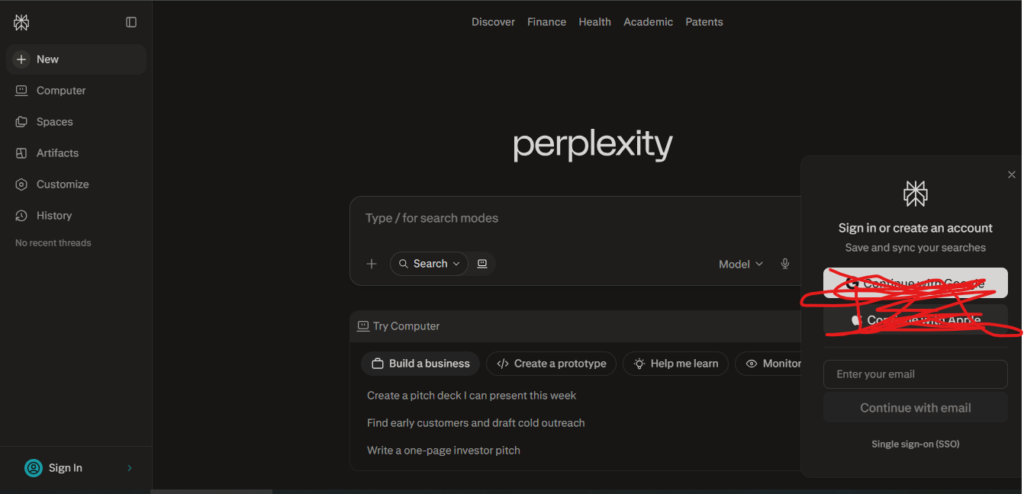
Use case: perfect for students conducting research who require prompt, precise responses with credible sources. By offering summarized responses with citations that you may use in your articles, Perplexity assists you in overcoming information overload.
Key features
- Real-time cited answers: get comprehensive responses with inline citations linking directly to source material, making fact-checking and bibliography building effortless.
- Follow-up questioning: ask clarifying questions in a conversational thread, diving deeper into topics without starting your search from scratch.
- Academic mode: focus your searches on scholarly sources and peer-reviewed journals for research that meets academic standards.
Pricing
- Free: $0/month – unlimited quick searches, standard AI model, basic citations.
- Pro: $20/month or $200/year – unlimited Pro searches with advanced AI models, file uploads, image generation, and API access.
Considerations
- Free tier limits access to the most advanced AI models during peak usage.
- Citations require verification for academic work, as with any AI-generated content.
- Best for exploratory research and background information rather than deep academic analysis.
Best free AI tools for students
Research papers, group project deadlines, and various citation styles are all part of being a student. It’s time to quit becoming overwhelmed by busywork and start assigning the tedious tasks to an AI assistance system so you can concentrate on learning, which is what really counts.
The goal of this strategy is to put together a group of experts. You can have a research tool, a proofreading tool, and a tutoring tool for difficult ideas. Because each AI assistant performs a single task, your workflow becomes more intelligent and effective.
This operation is under your management. It is your responsibility to use the appropriate tool for each activity. The top free solutions for your academic toolset are listed here, arranged by purpose.
How to select the best AI for studying
Finding a single super-intelligent bot that can accomplish everything is not the only way to choose the best AI tool for studying. Creating your own study team and serving as the coach is a more sensible strategy. Instead of a complex system that merely adds to your workload, you’re seeking for targeted assistants who fill in the gaps in your workflow.
Determine your largest bottleneck first. Are you gazing at a blank page, overwhelmed by research tabs, or simply in need of assistance converting lecture notes into flashcards? Identify a single pain point and locate a tool that cleverly addresses that one issue.
Building your own setup, one assistant at a time, is the greatest option. It might be a free source organization tool combined with a proofreading tool that operates in the background. This is how you take care of the little things so you can concentrate on the larger picture, which is mastering the subject and doing well on the test.
My Personal Student Life Experience
I used these AI tools when I was a student. My student life was really easy after I started using them. I found that my homework was not that hard my tests were not that tough and my exams were pretty simple.
I used AI to do a lot of my school work. AI helped me with my homework, exams, tests and assignments. I even learned things with the help of AI tools like ChatGPT.
AI tools make life easier for students. Now it is 2026 and AI tools are really good, at everything they do.
AI Tool Spots is a technology-focused platform dedicated to sharing the latest updates in Artificial Intelligence, software tools, automation, SEO, and digital innovation. We publish informative guides, honest reviews, tech tutorials, and valuable resources to help bloggers, entrepreneurs, marketers, and tech enthusiasts stay ahead in the digital world. Learn more at aitoolspots.com.